

 Image 1 of 1
An Excellent Session Today!
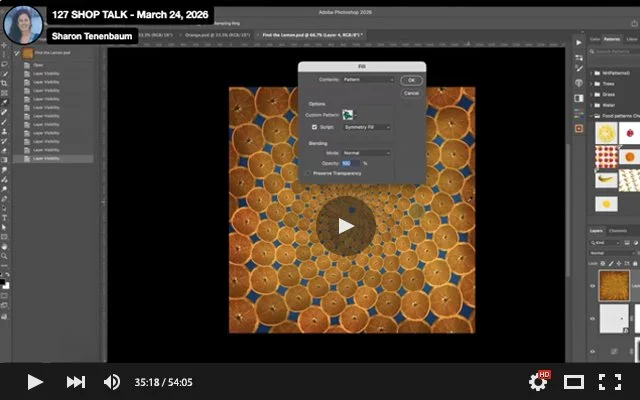
Cheryl walked us through how to create Patterns in Photoshop in various ways. We also prepared an instructions pdf (see attached) that you can follow step-by-step. For our next session (in two weeks on April 7th), please upload your pattern images to this folder (PSD files, please, 2000 pixels on the widest side at 72 psi): https://drive.google.com/drive/folders/1vl87Nq-gwMGrqHj_ttCRAqu9xroz8V0M?usp=sharing
We helped Cindy out by adding colour to the foreground of her image and saw how we could enhance the top part by adding some square brushstrokes to complement the tapestry look of her series.
We had a look at Richard's pixel stretch image and gave our feedback.
Lastly, after we finished drooling over her images, we tried to back-engineer Lisa Frank's composites. We will continue to explore her image in future sessions.
An Excellent Session Today!
Cheryl walked us through how to create Patterns in Photoshop in various ways. We also prepared an instructions pdf (see attached) that you can follow step-by-step. For our next session (in two weeks on April 7th), please upload your pattern images to this folder (PSD files, please, 2000 pixels on the widest side at 72 psi): https://drive.google.com/drive/folders/1vl87Nq-gwMGrqHj_ttCRAqu9xroz8V0M?usp=sharing
We helped Cindy out by adding colour to the foreground of her image and saw how we could enhance the top part by adding some square brushstrokes to complement the tapestry look of her series.
We had a look at Richard's pixel stretch image and gave our feedback.
Lastly, after we finished drooling over her images, we tried to back-engineer Lisa Frank's composites. We will continue to explore her image in future sessions.